 CueTime
Shot24s
Shot clock
A countdown for every shot, restarted with a single tap. Add a warning, final-seconds beeps, time extensions and extra time for the first shot after the break.
- Countdown
- Extensions
- On / Off
CueTime turns your phone or tablet into a shot clock, frame timer, match timer and scoreboard. Built for referees, leagues and clubs — set up in seconds, readable from across the room.


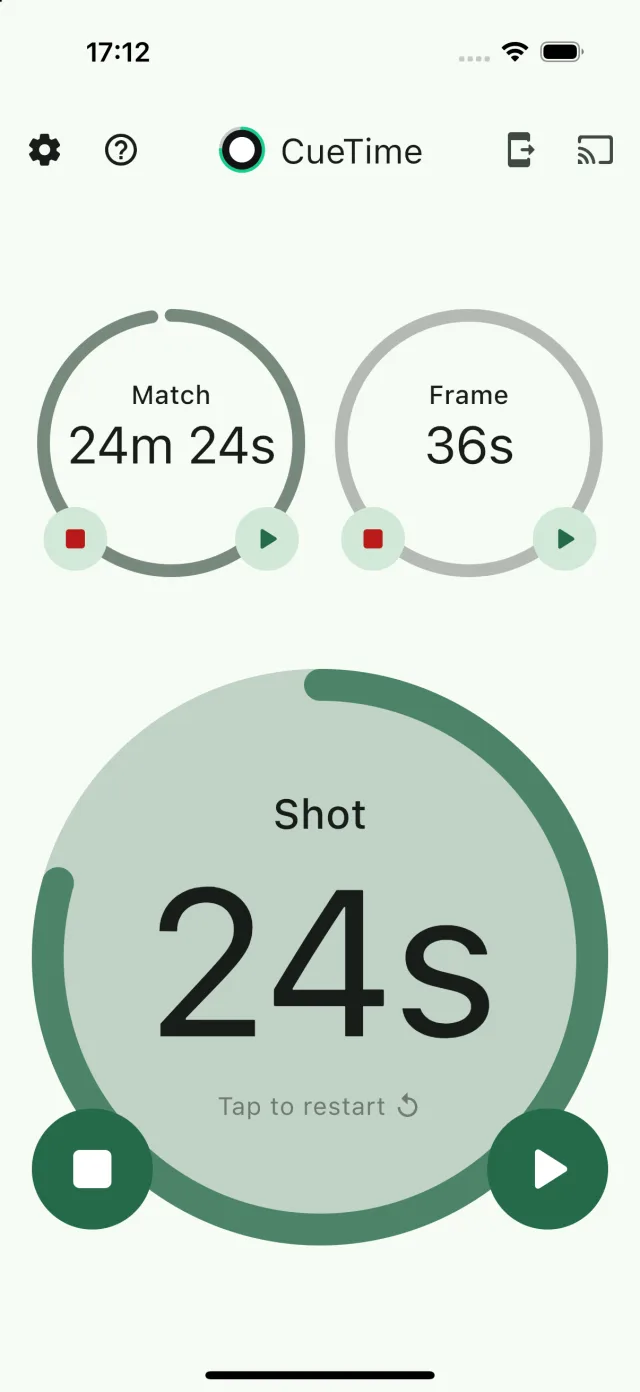
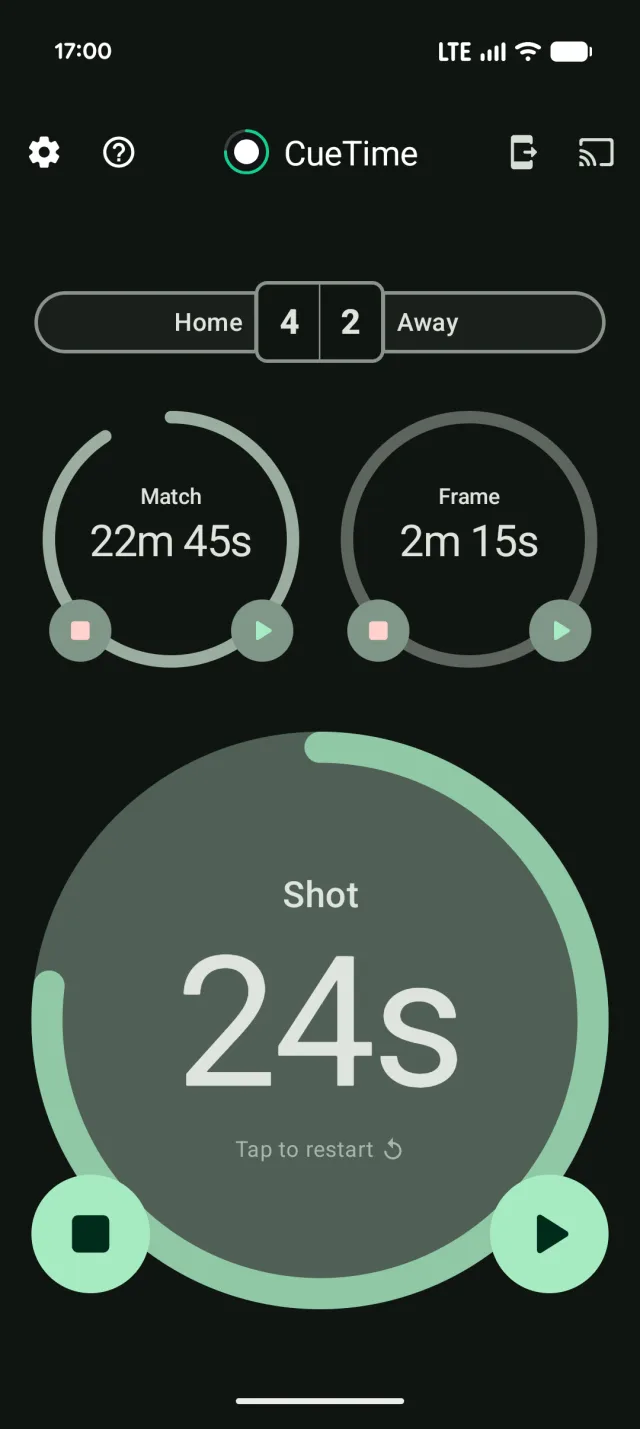
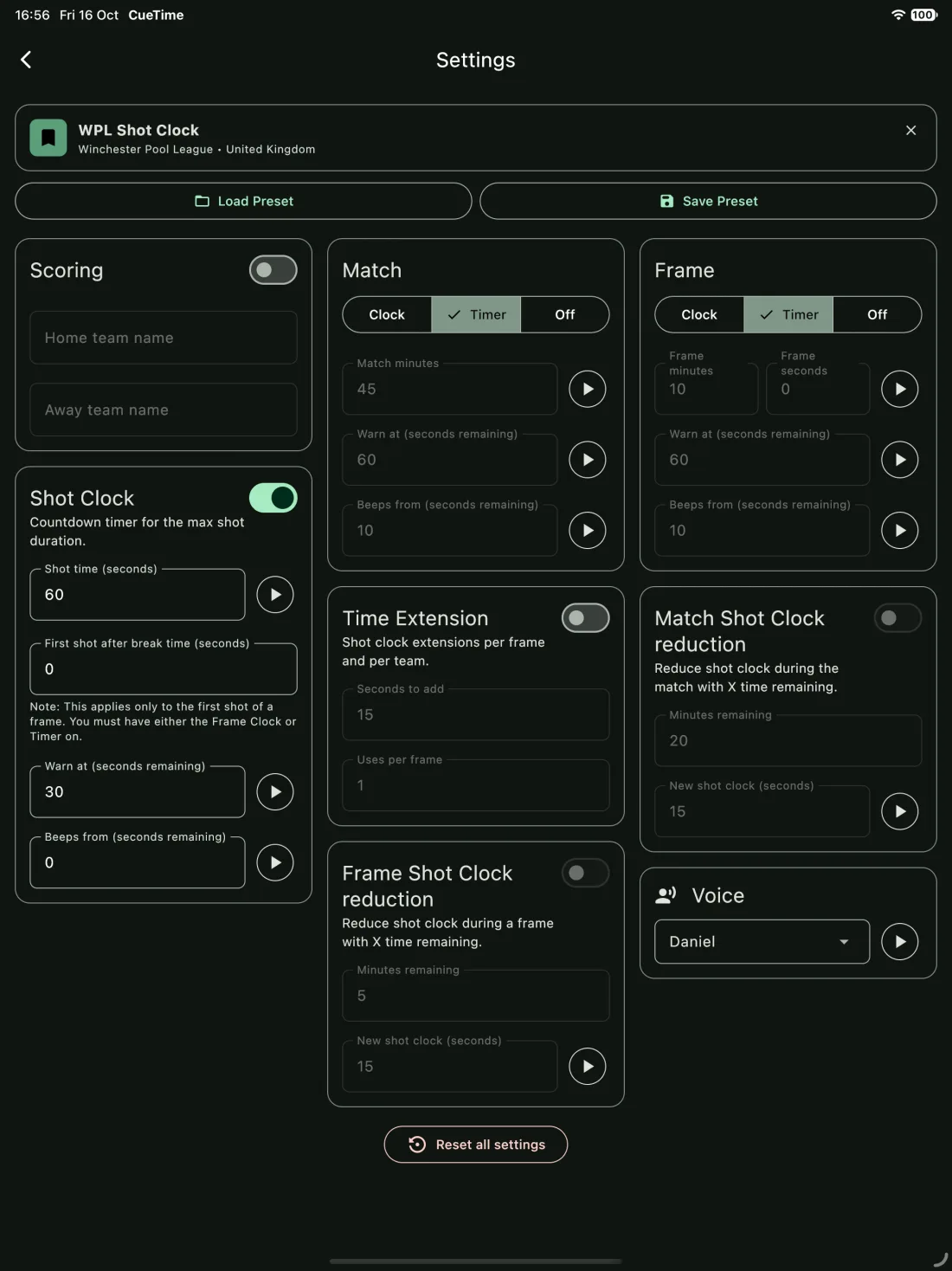
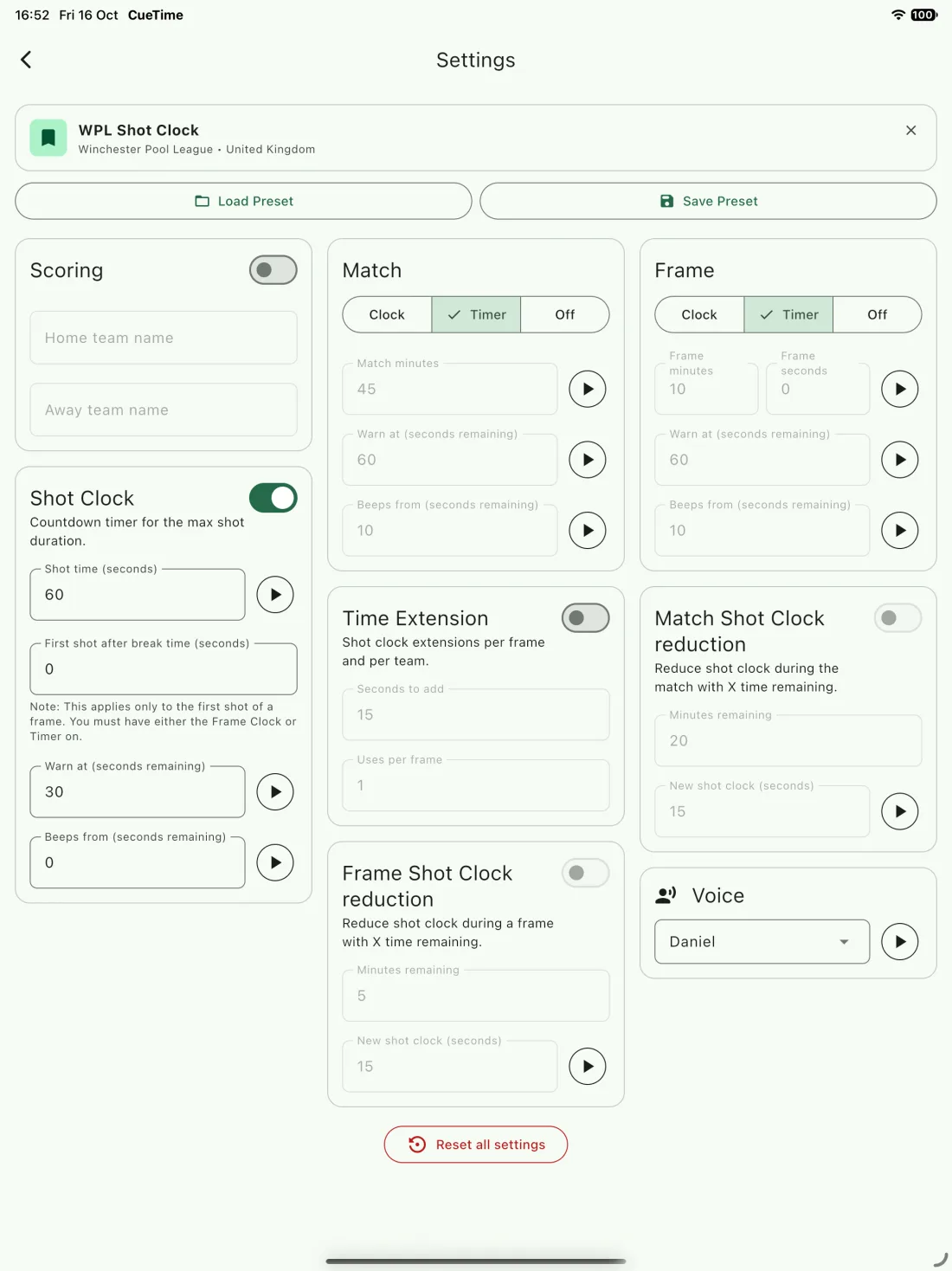
Run a shot clock, frame clock and match clock side by side — each with its own warnings, beeps and voice alerts.
A countdown for every shot, restarted with a single tap. Add a warning, final-seconds beeps, time extensions and extra time for the first shot after the break.
Set a time limit for each frame with its own warnings, or switch to timer mode to simply track how long every frame takes.
Keep the whole match on schedule. Automatically shorten the shot clock in the closing minutes — say from 30 seconds down to 15.
Use any combination. Shot clock only, match clock only, or match and shot without a frame clock — set CueTime up to match your league or competition rules exactly.
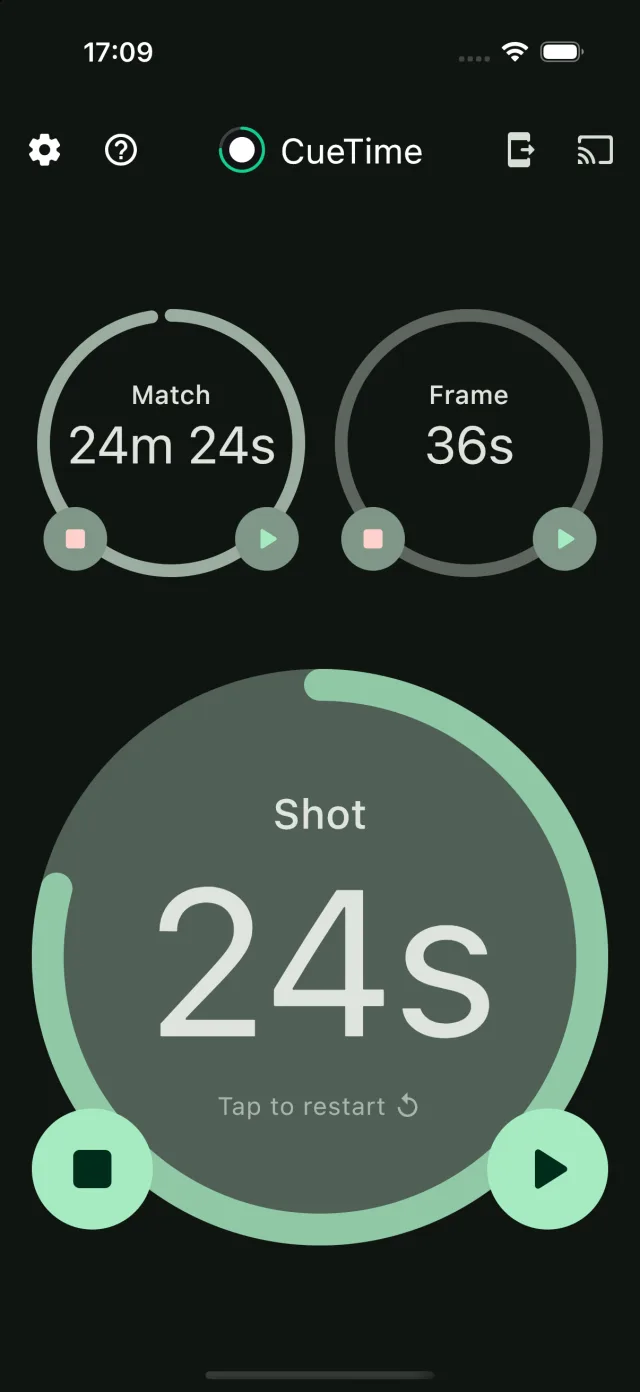
Large, high-contrast clocks you can read from anywhere around the table, with controls that never get in the way of play.
Illustration of a match cast to a TV
Cast live clocks, scores and alert sounds to any Chromecast or Google Cast-enabled Smart TV, so players and spectators across the venue can follow every shot.
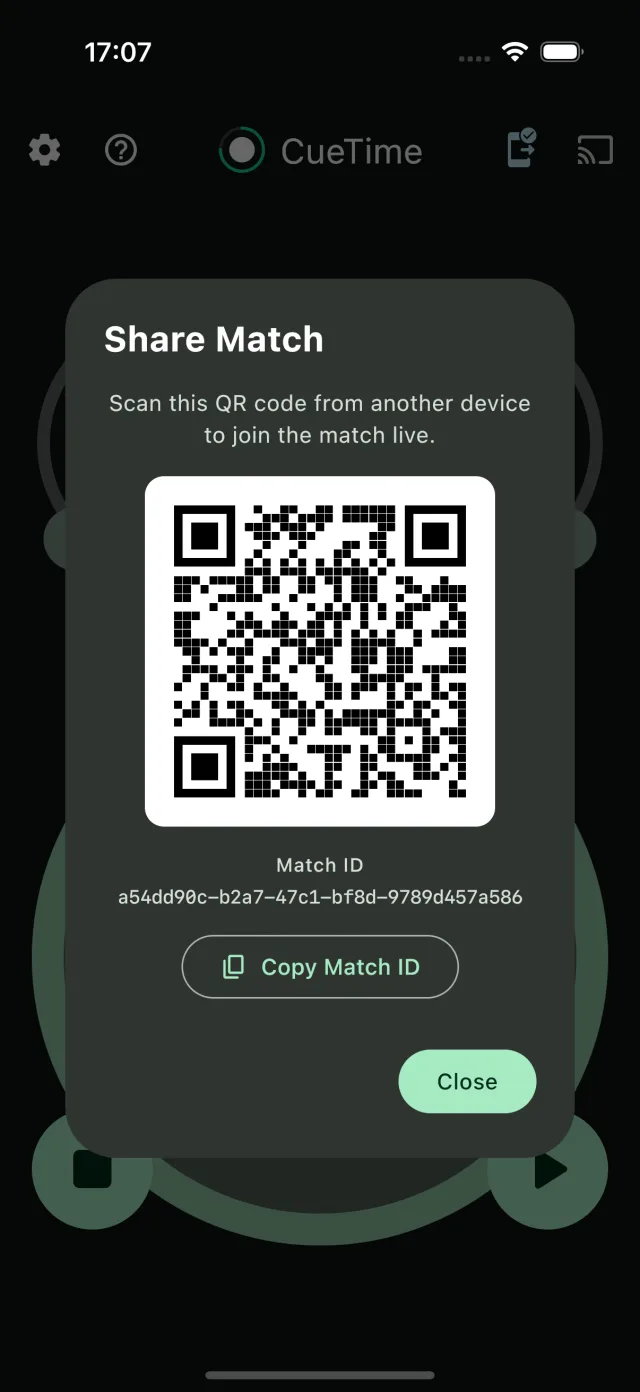
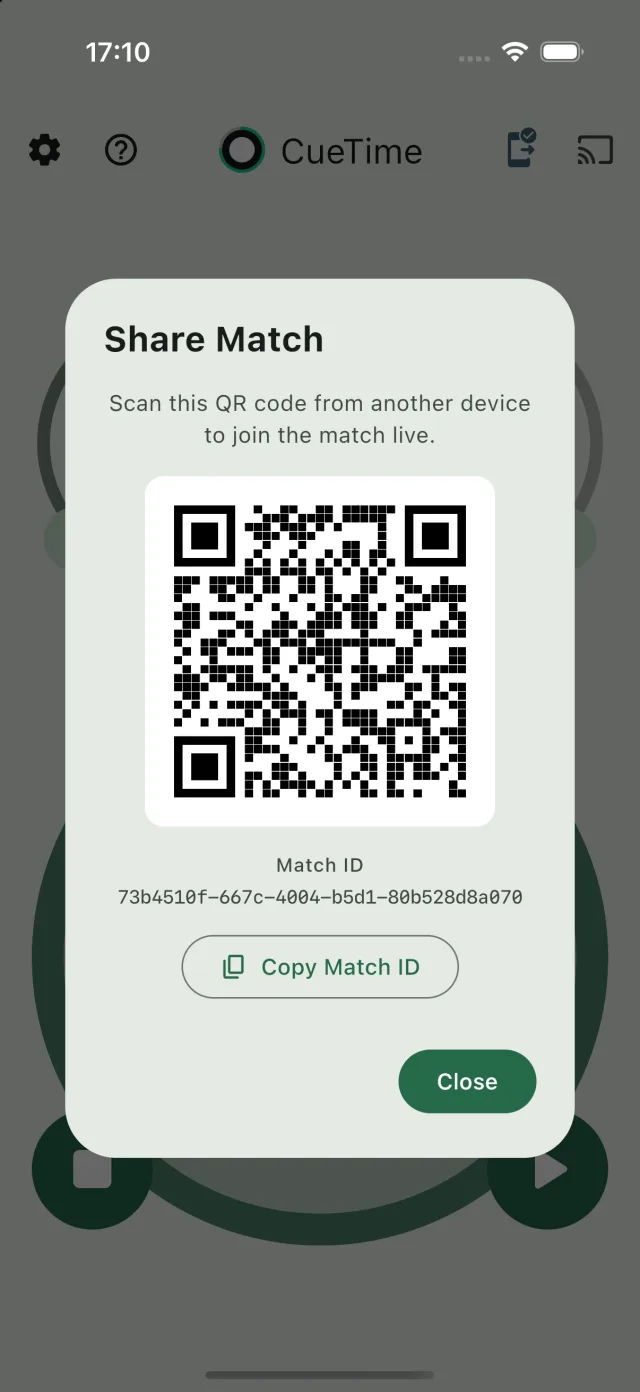
Share a live match with another referee, scorer or spectator. Settings, clocks and scores transfer instantly and stay perfectly in sync.
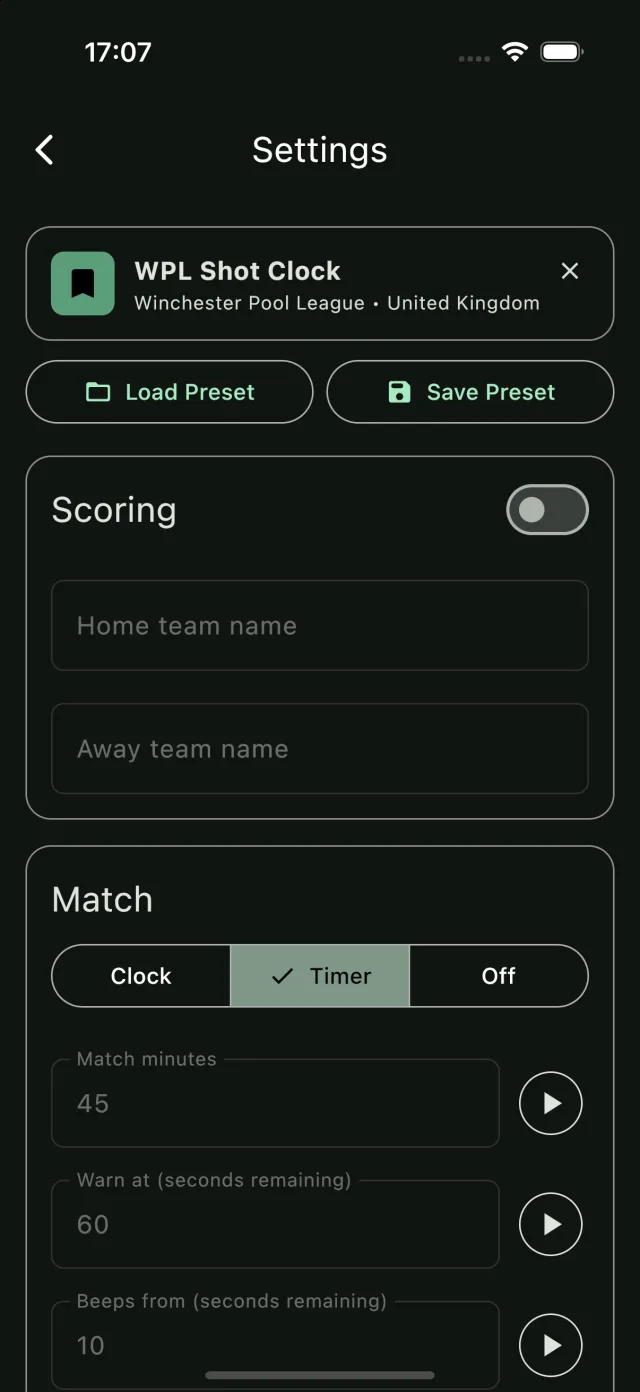
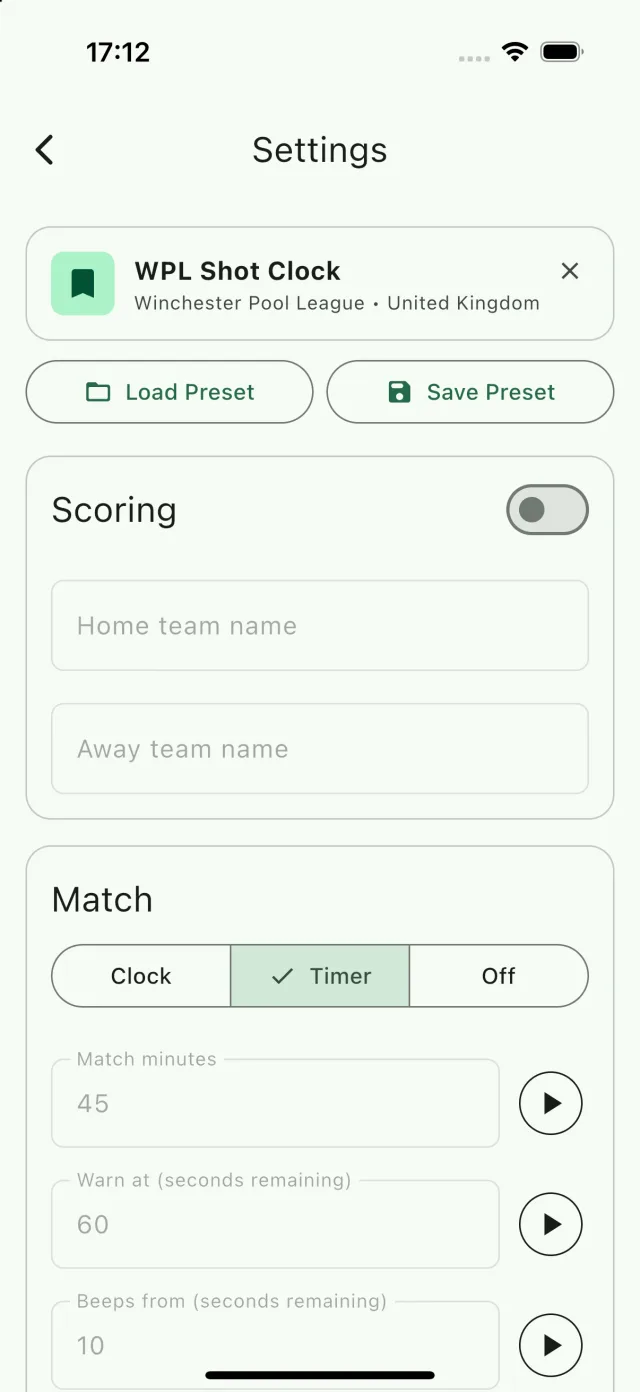
Save your timing setup as a preset and switch between competitions in seconds — or load one that someone in your league has already shared.
CueTime is packed with the small details that make a big difference on match night.
Name the teams or players and keep the frame score right above the clocks.
Set a warning for each clock and choose when the final-seconds beeps start. Preview every sound before the match.
Spoken announcements like “Frame has 1 minute remaining”, using the voice of your choice.
Shorten the shot clock automatically when the match — or the frame — enters its final minutes.
Choose how many seconds an extension adds and how many each side gets per frame.
Your screen won’t dim or lock while the clocks are running.
Layouts designed for every screen, from a phone in your hand to a tablet on the table.
Follows your device theme — bright for club halls, dark for dimly lit venues.
CueTime speaks your language, with more languages on the way.
Clean, bold and easy to read — on iPhone, iPad and Android.
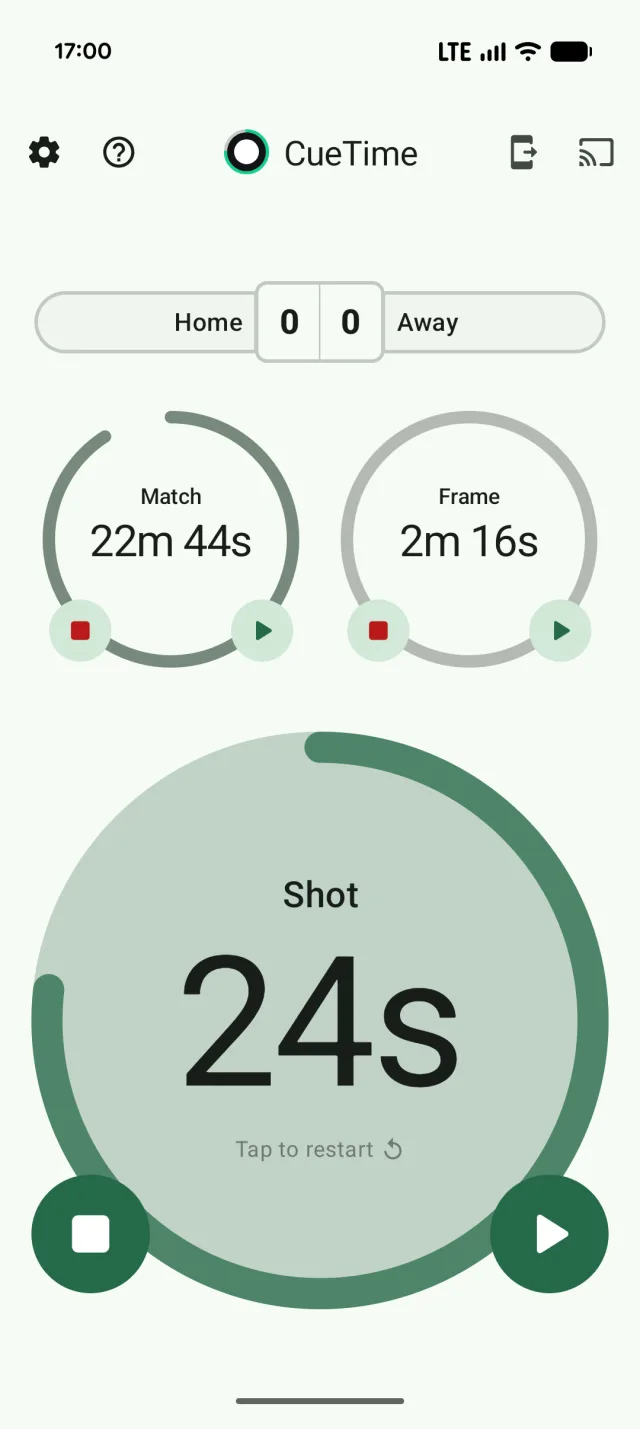
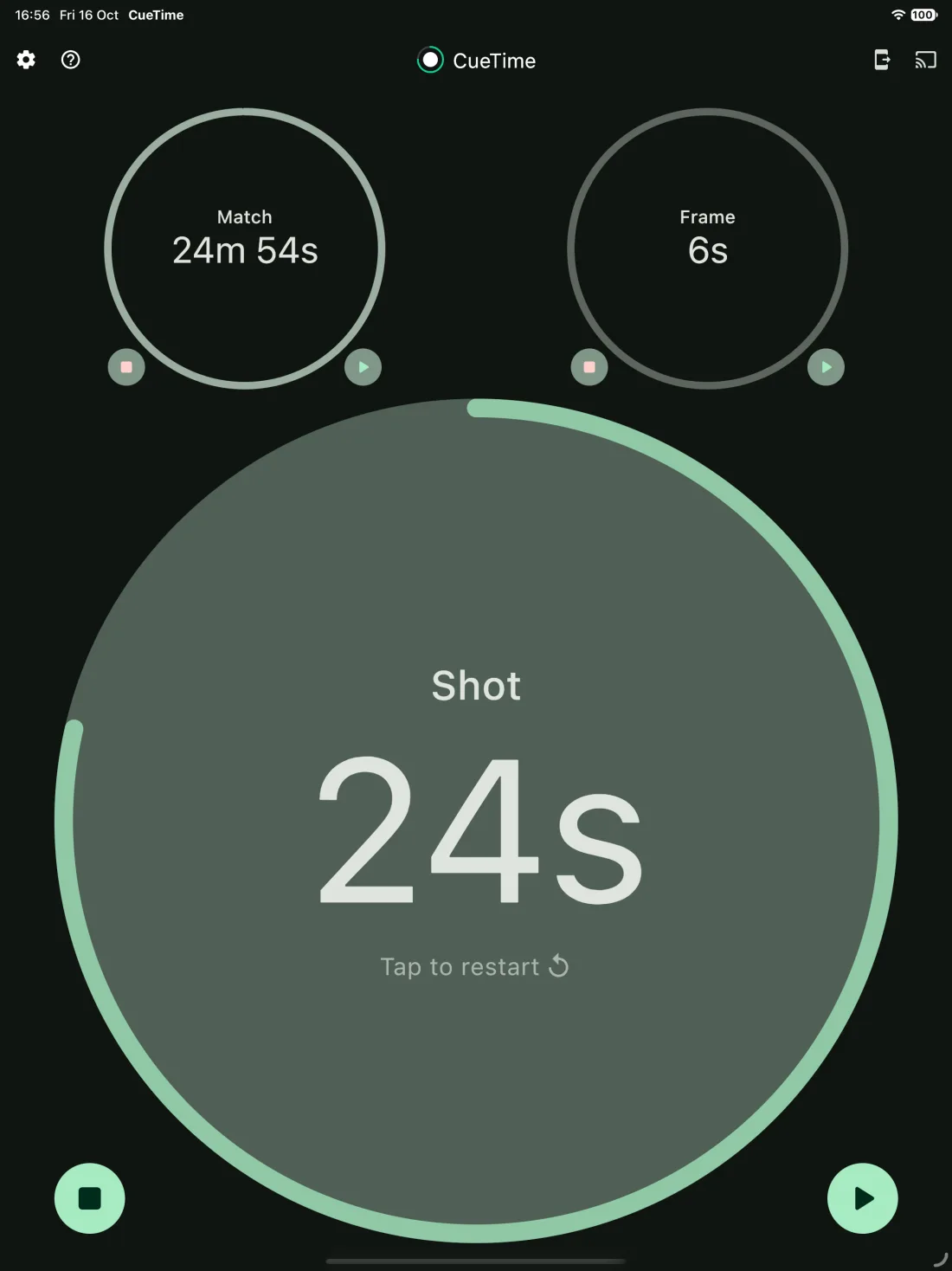
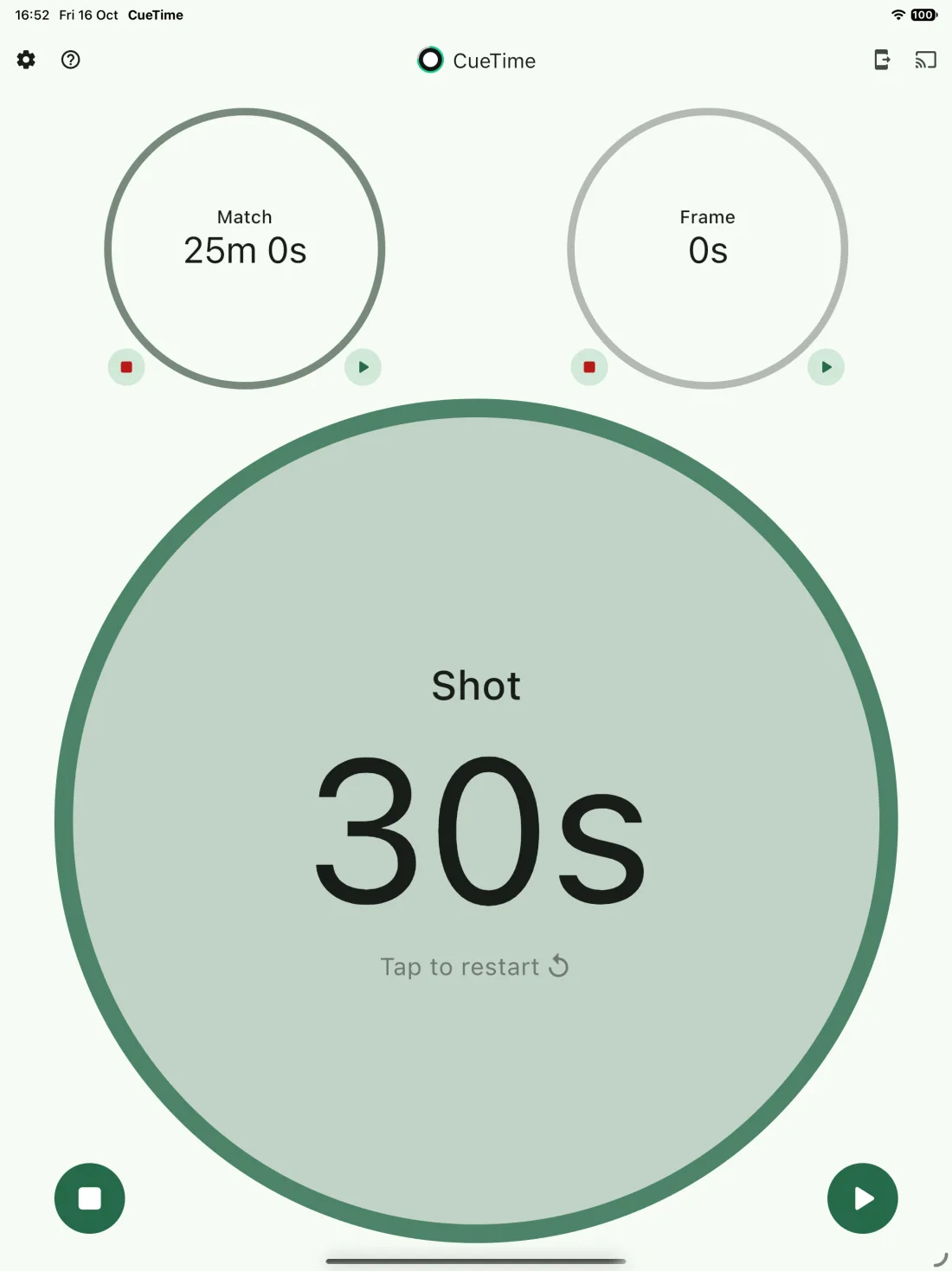
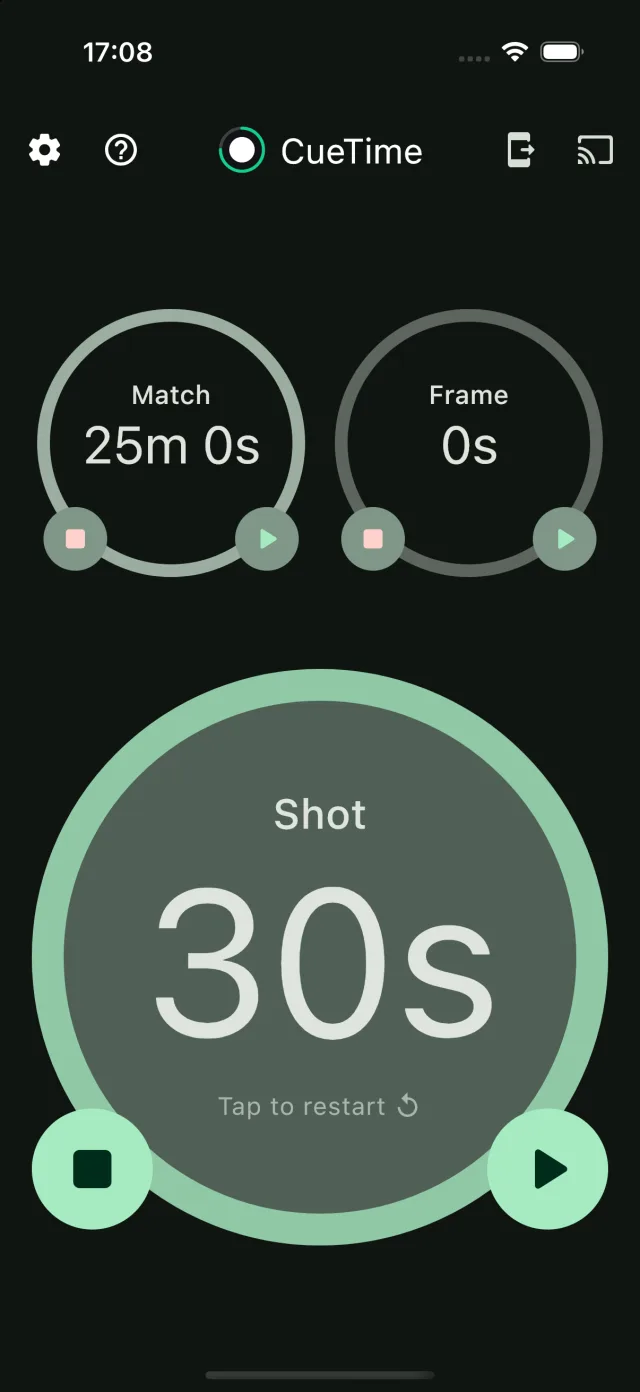
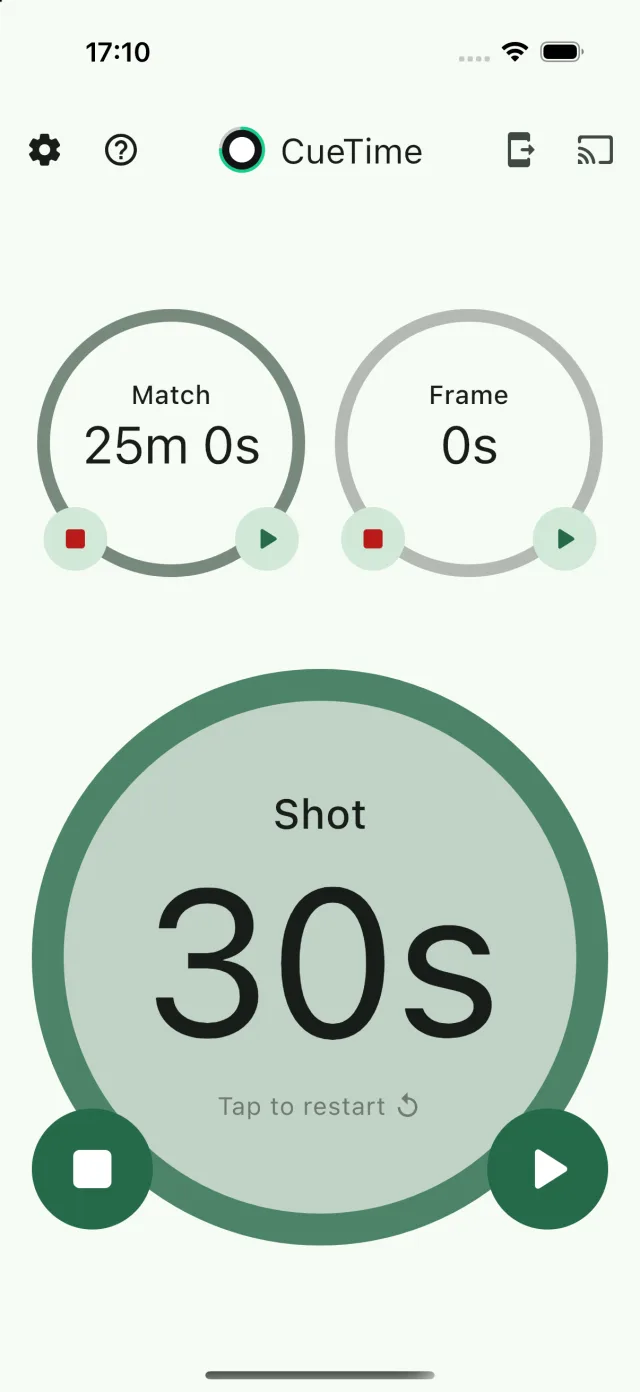
From casual club nights to multi-table championships, CueTime keeps play moving and schedules on time.
Shot, frame and match clocks — use one, two or all three.
Replace expensive dedicated shot clock units with the devices and screens you already have.
Simple, responsive controls that never slow the game down.
Cast clocks, scores and alerts to any Google Cast TV for the whole venue to see.
Here are a few we hear a lot. Find more in our help guide.
Yes. Turn the shot clock on and set the match and frame clocks to Off. You can use any combination of the three timers.
CueTime casts to Chromecast devices and Smart TVs with Google Cast built in. Make sure your phone or tablet is on the same Wi-Fi network as the TV, then tap the Cast icon.
Yes. Share the match from one device and join it from another by scanning the QR code or entering the Match ID. Clocks, scores and settings stay in sync on every device.
No. Download the app and start timing straight away. CueTime doesn’t collect personal information — see our privacy policy.
Simple to use. Easy to customise. Built for every cue sport. Download CueTime free and have your clocks running in seconds.